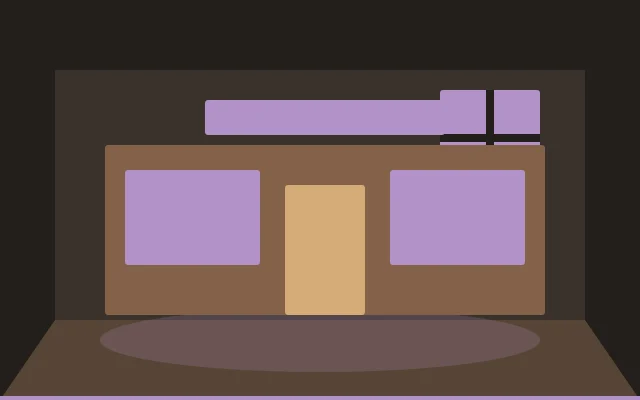
A good Minecraft interior starts with a clear purpose. This roleplay shopfront guide focuses on layout, color and small details you can adapt to your own build, using vanilla blocks alongside the decorative props available in your installed mod or add-on.
Make the entrance obvious
Frame the door with a sign, lighting and a short path. Set display windows on either side and keep them visually connected to the shop’s main product. Leave room inside the entrance for players to stop and look around.
Tell a story with displays
Group a few related props on shelves or counters rather than filling every space. Repeat the storefront palette inside, and place the service desk where it is easy to find. Add a stockroom detail at the back to make the shop feel part of a working town.
Try the layout in your world
Start with the largest furniture and walk through the space before adding finishing touches. Check the view from the entrance, test access to storage and review the room in daylight and at night. If an item does not fit, try a smaller prop or a vanilla block alternative. The goal is a room that works for your build and your way of playing.
These featured images are original decorating illustrations, intended as inspiration rather than screenshots of particular mod items.