A good Minecraft interior starts with a clear purpose. This lighting your interiors guide focuses on layout, color and small details you can adapt to your own build, using vanilla blocks alongside the decorative props available in your installed mod or add-on.
Choose a focal light
Start with the part of the room you want people to notice: a table, desk or seating group. Add a visible decorative light nearby, then use suitable in-game light sources to provide actual illumination where needed.
Check the room at night
Review entrances, stairs and dark corners after sunset. Decorative lamps may behave differently between packs and versions, so test your installed items. Spread smaller lights through the room rather than relying on one crowded ceiling feature.
Try the layout in your world
Start with the largest furniture and walk through the space before adding finishing touches. Check the view from the entrance, test access to storage and review the room in daylight and at night. If an item does not fit, try a smaller prop or a vanilla block alternative. The goal is a room that works for your build and your way of playing.
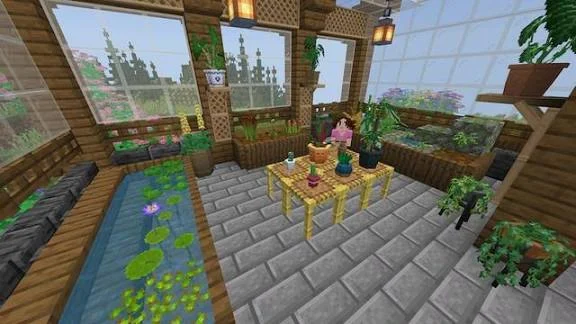
This Minecraft screenshot provides inspiration for the layout and decorative details in this guide. The available furniture depends on your installed mod or add-on.